1. Choose your size before paying
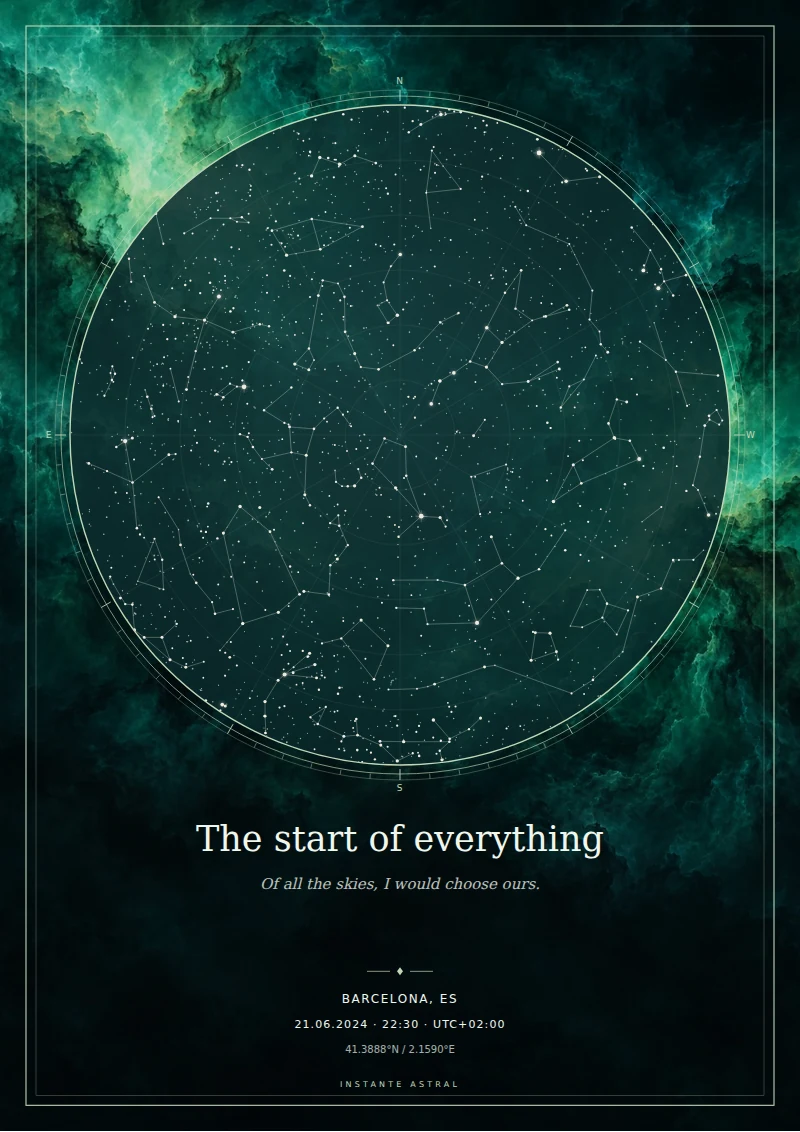
A3 measures 29.7 × 42 cm. The other option measures 30 × 40 cm. Select the format that fits your intended frame; switching between them requires a margin or cropping.
The wood, black or gold frame on the website is a simulation. Its ivory mount is not included either; ask your framer for a mount if you want that finish. The downloaded file keeps the design and dimensions chosen in the customiser.
2. Give the PDF to your print shop
The PDF preserves the physical dimensions of the selected format, making it a practical file to give a print shop. Ask them to keep the page size and avoid automatic cropping. If they need bleed, check their requirements before placing the print order.
You also receive a PNG exported at 300 dpi and an SVG with vector stars and text. Nebula backgrounds are images, so enlarging them does not create extra detail. Keep the original files and avoid printing a screenshot of the preview.
3. Check scale and paper
When printing at home, make sure the paper supports the full size. Select actual size or 100% scale when it matches the paper. Fit-to-page settings may shrink the print, and many home printers leave margins.
Paper finish affects the result. Matte paper can help reduce reflections, but compare samples from the print shop and request a proof when colour matters. A screen and a printed sheet can show different colours.
4. Save your files and check delivery
Once payment is confirmed, the download page lets you save the confirmation and obtain your files. Keep a copy on your device because the private link is time-limited. If access fails, contact the shop with your receipt to recover the same design. Printing, framing and physical delivery are arranged separately.